Trades Table Hyperlinks
There are several hyperlinks associated with each trade listed on the trades table on the Trades landing page. Detailed information on each can be found below.
Trade ID
Dashboard > Trades > Trade ID hyperlink
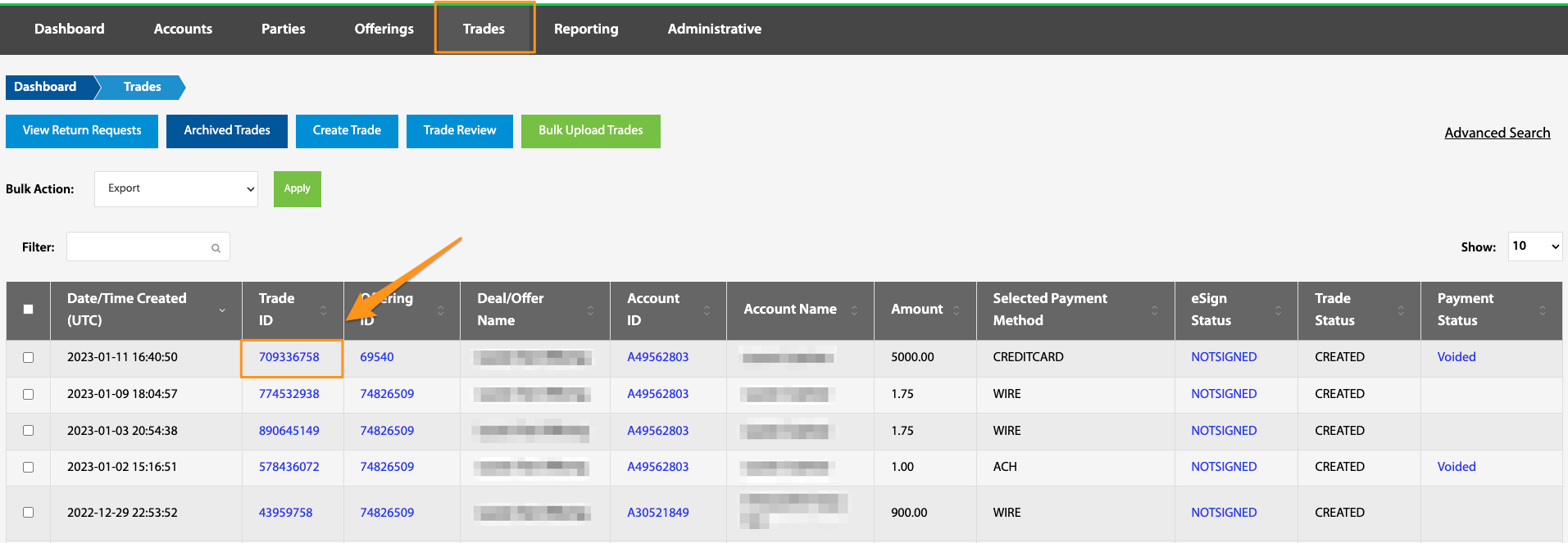
There is a multitude of functions that can be found within the Trade ID hyperlink. See Trade ID.
Offering ID
Dashboard > Trades > Offering ID hyperlink
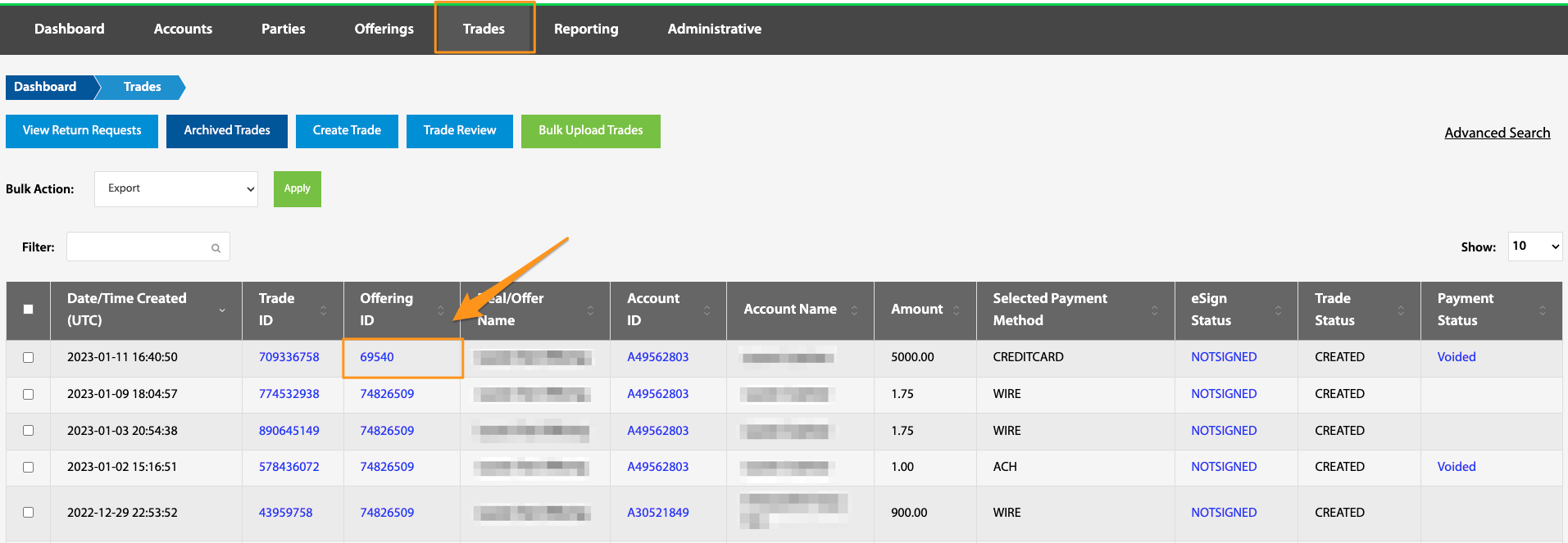
This hyperlink navigates to the Offering Overview page. See Offering ID.
Account ID
Dashboard > Trades > Account ID hyperlink
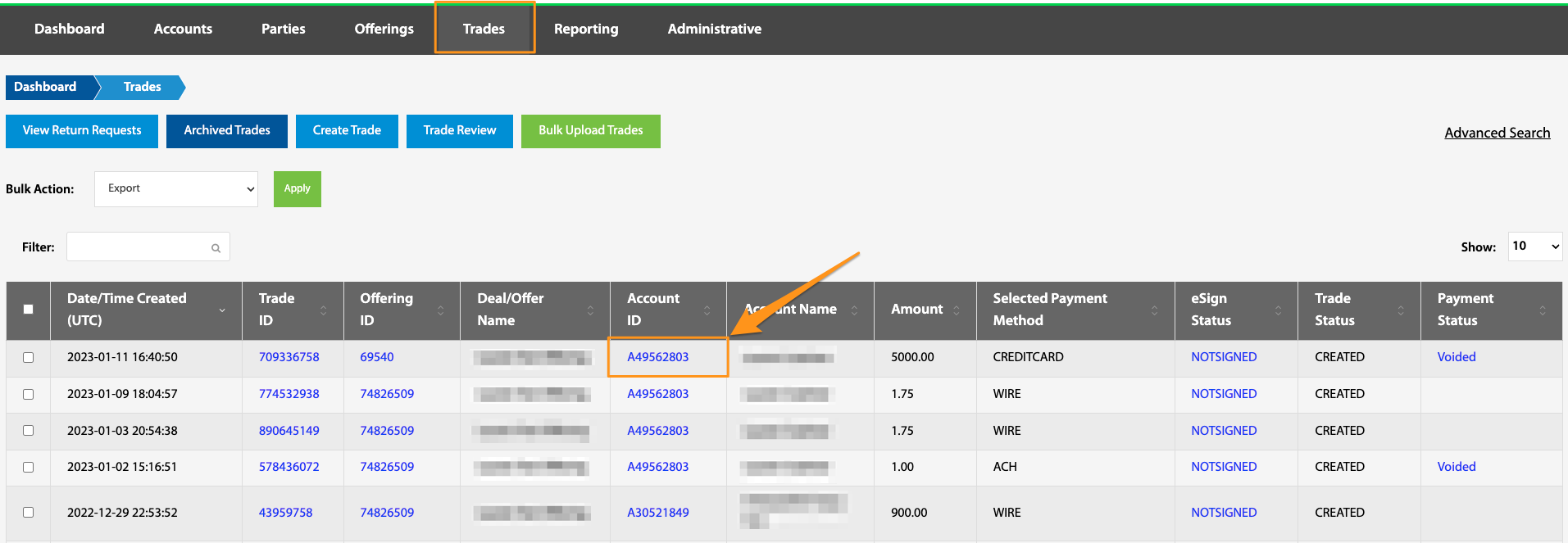
The Account ID hyperlink navigates to the Account Overview page. See Account ID.
eSign Status
Dashboard > Trades > eSign Status hyperlink
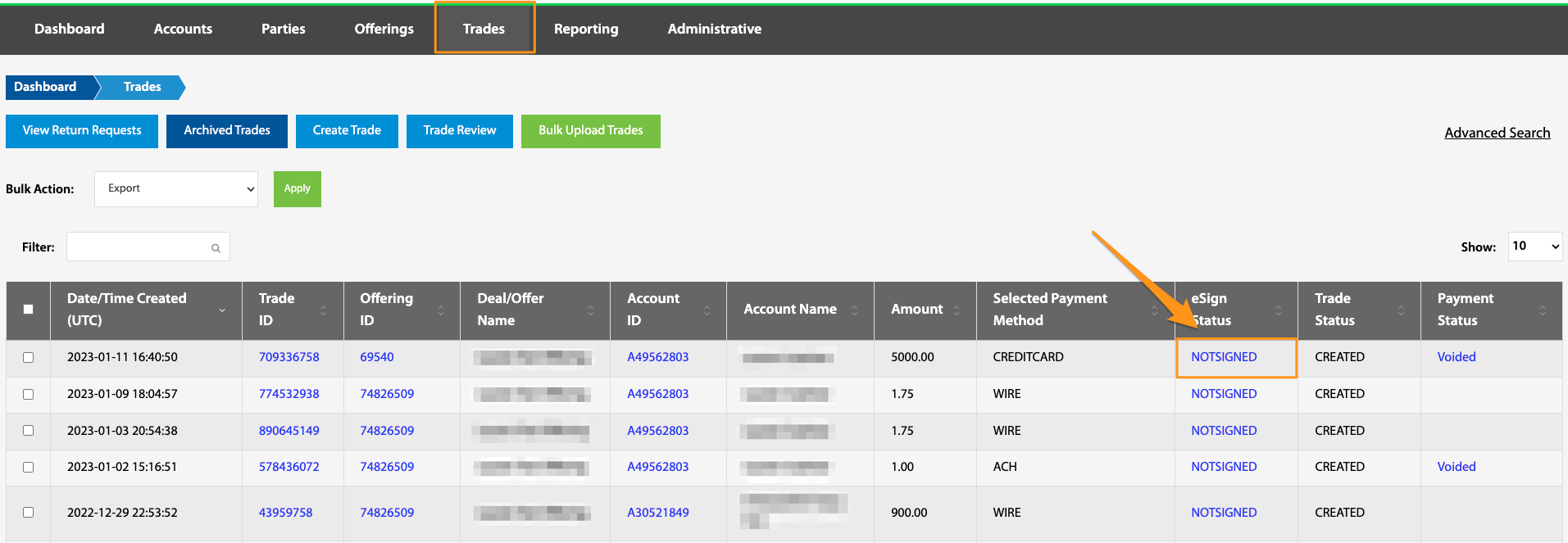
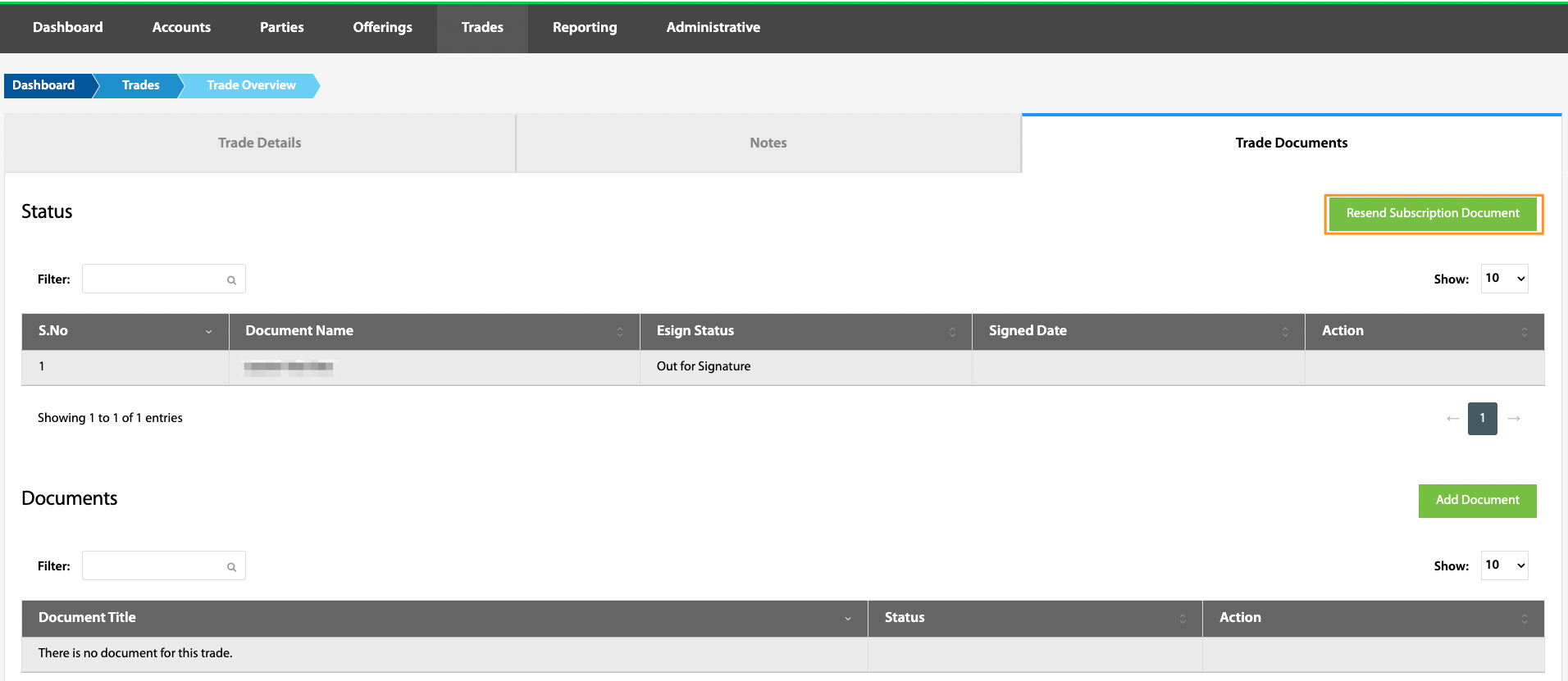
If utilizing our DocuSign integration and a subscription document template is attached to an offering, all trades within that offering will have an eSign status of either SIGNED or NOTSIGNED. Navigating through the status hyperlink, all subscription documents will be listed and the Resend Subscription Document button can be found.
The Documents section at the bottom of the page holds no active functionality at this time, but can be used for document storage at will. If our DocuSign integration is not being utilized, subscription documents for each trade can be manually added here.
Trade Status
Dashboard > Trades > Trade Status
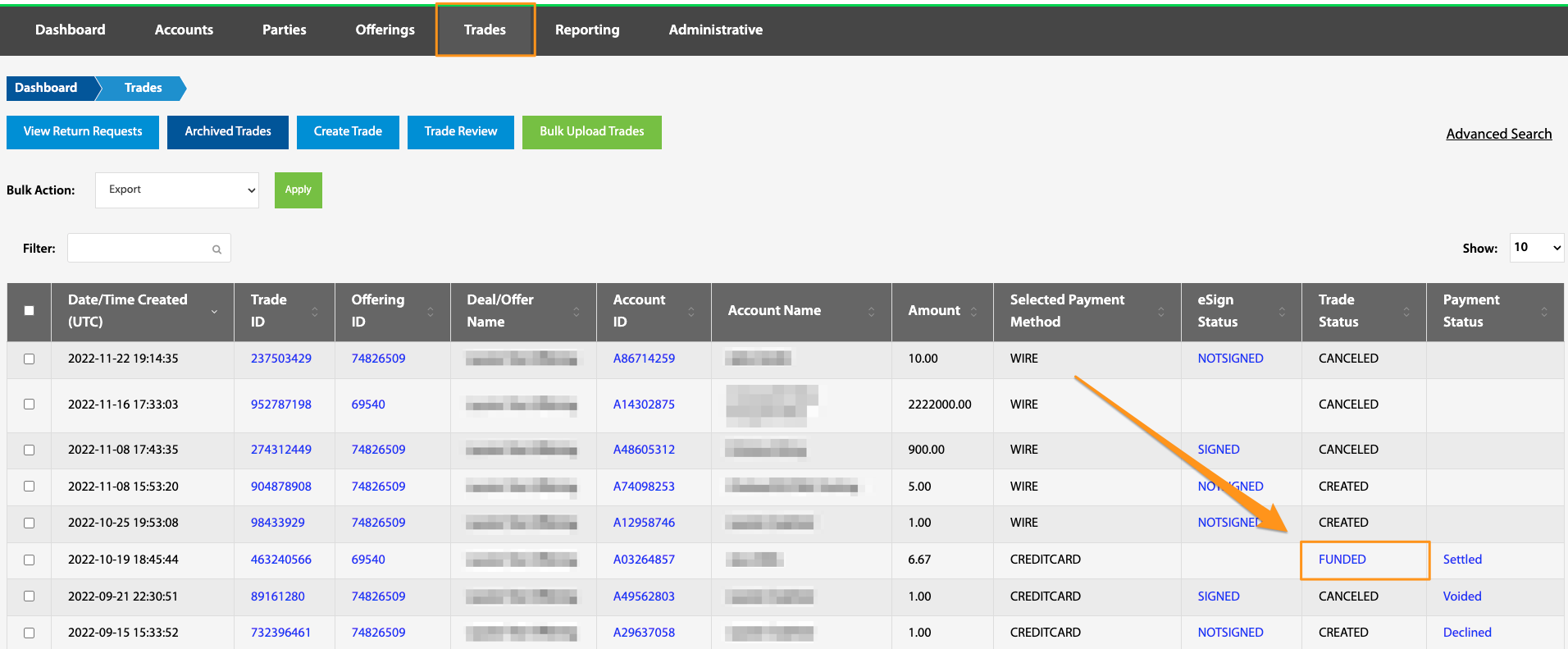
FUNDED Trade statuses will be hyperlinked. This indicated that the trade has been marked as being received in escrow. By selecting this hyperlink, it is possible to initiate a return request. See View Return Requests and Trade Statuses.
Payment Status
Dashboard > Trades > Payment Status
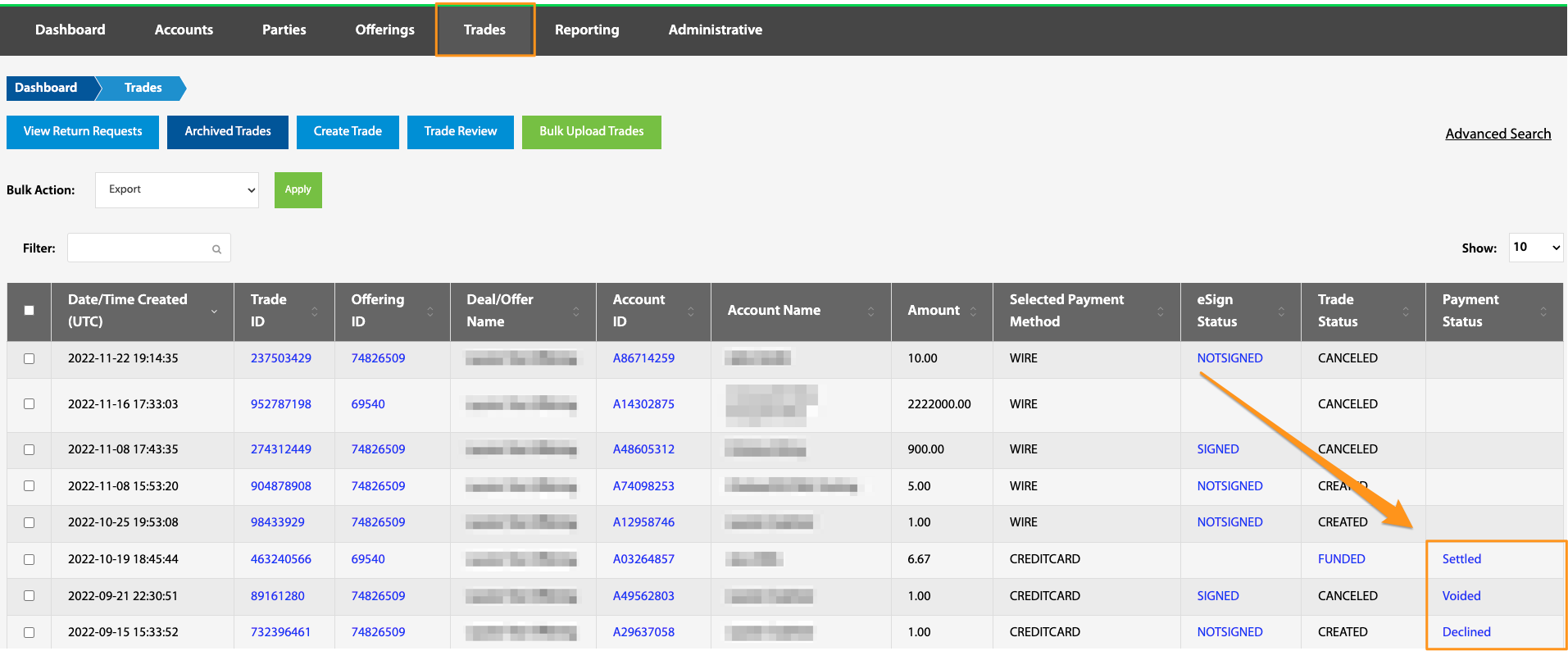
Selecting the Payment Status hyperlink on a chosen trade will navigate to the Payments table where details of the selected trade can be found. See Payment Statuses.
Trade Related Troubleshooting / Knowledge Base
What is the difference between canceling and unwinding a trade?
When does the trade status update to settled?
How can I edit a trade amount?
Is there a way to edit or transfer a trade from one account to another?
What is the best way to test payments and trades in the production environment?
Is there a way to mark a trade as received (Funded) in the TransactAPI admin panel?
What do I need to do to trigger the trade to transition to the SETTLED state?
How can I run a report to see which trades have a failed payment status?