Trade Review
Dashboard > Trades > Trade Review
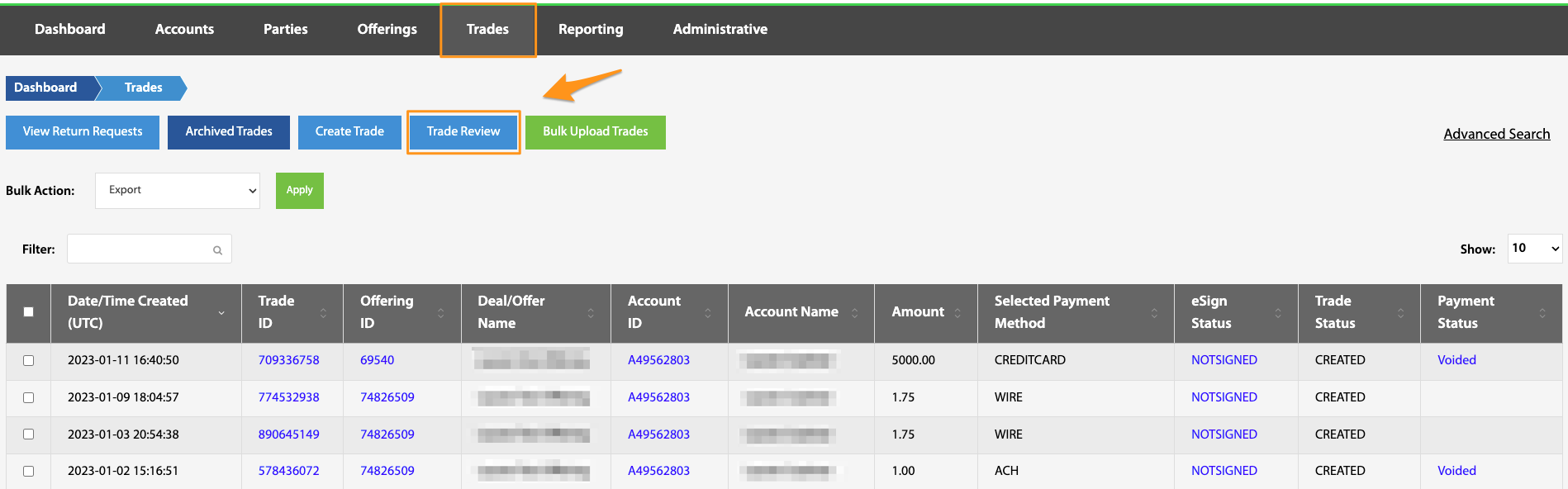
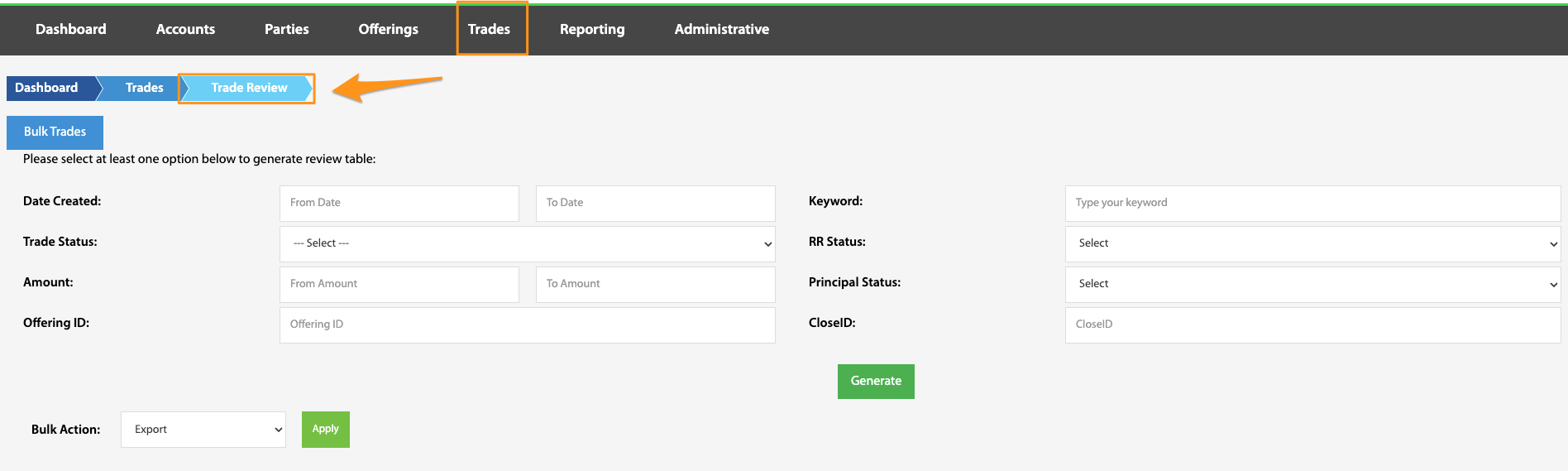
The Trade Review table is a convenient space for searching and filtering trades, viewing an overview of trade information, and accessing the Trade Review table. To access this feature, navigate from the TransactAPI admin user dashboard to the Trades landing page, then select Trade Review. The trade table can be exported in bulk utilizing the Bulk Action feature.
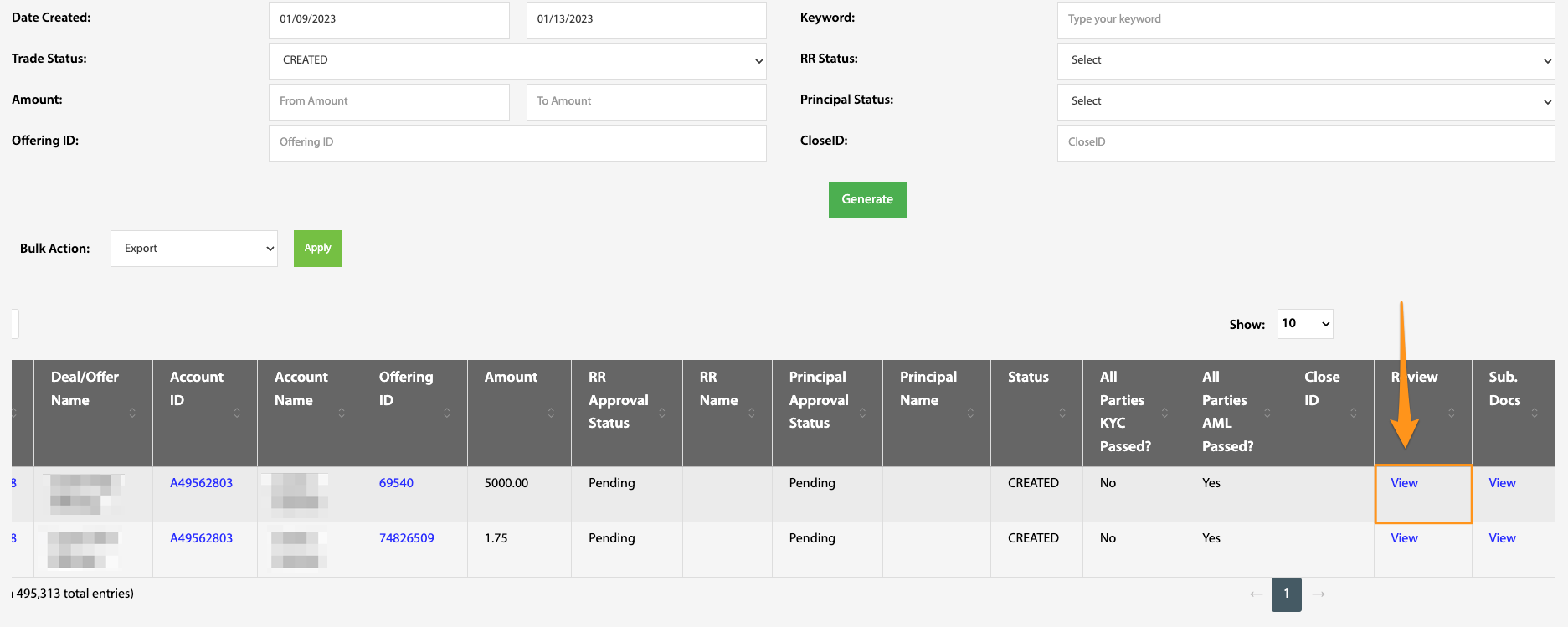
After the search parameters have generated the specified table, subscription docs and investor review page can be found by scrolling to the far right of the page.
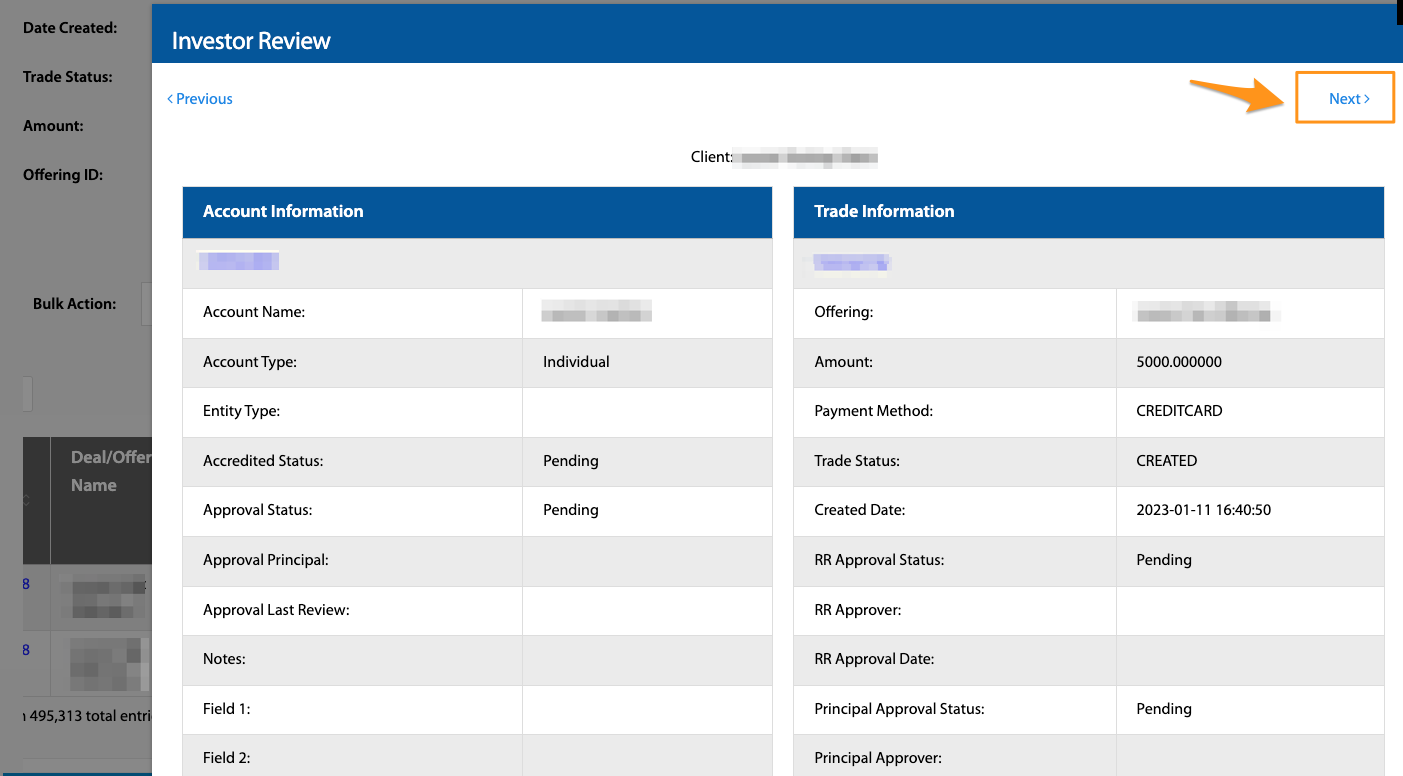
The Investor Review page displays a summary of all trade information in a concise view for review. All trades can be viewed in succession by selecting the Next and Previous buttons.