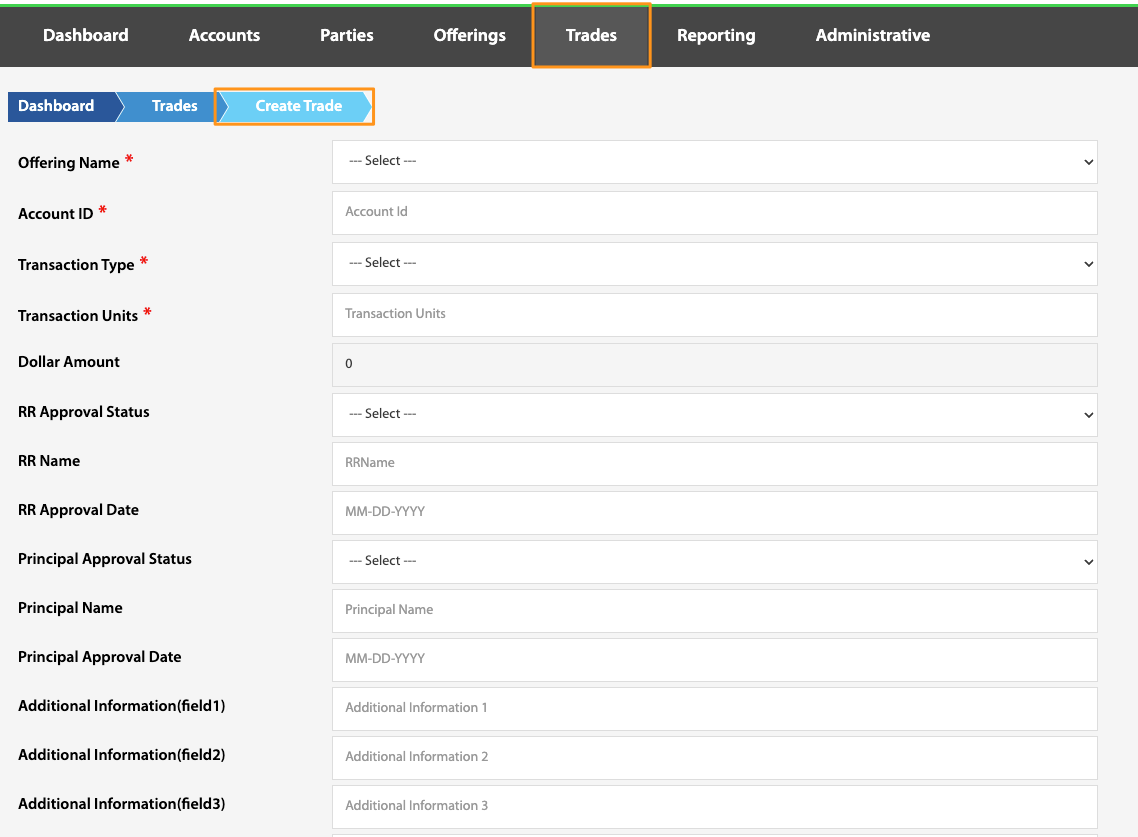
Create Trade
Dashboard > Trades > Create Trade
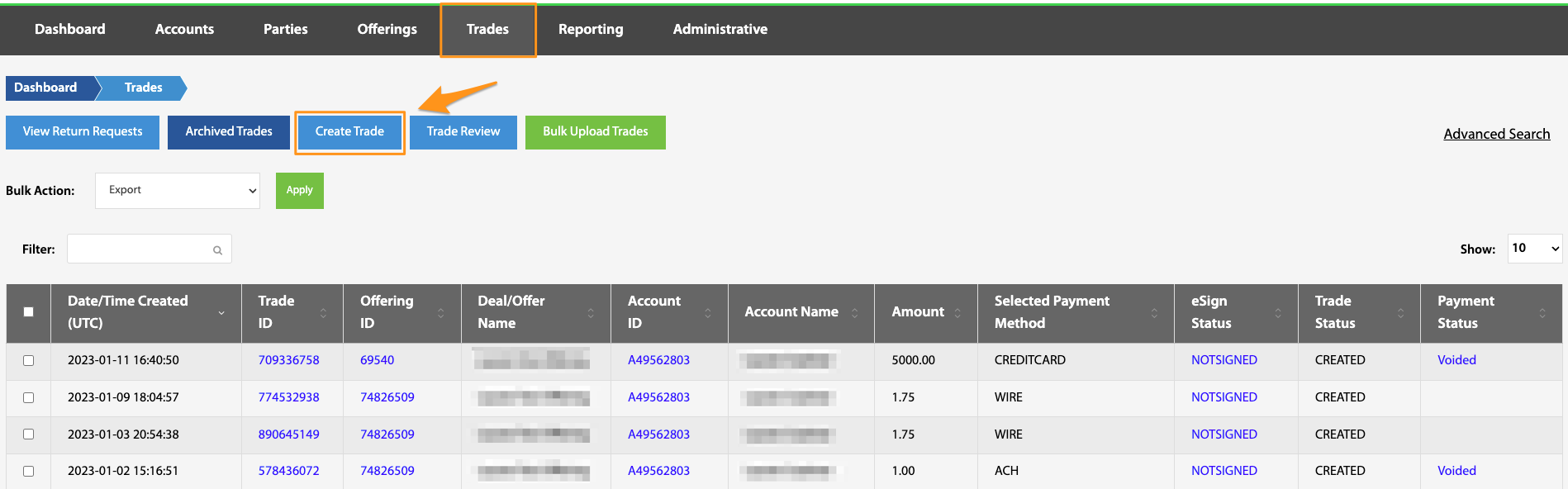
While the majority of trades are created through the investment portal, there may be situations where a trade might need to be created on the backend via TransactAPI's admin panel. To do this, navigate from the Dashboard, to the Trades view, and select Create Trade. From here, simply enter all required information (as well as any additional desired information). Once this step is complete, a fund movement can be completed through the Trade ID found on the Trades landing page. See Trade ID.