Reporting View
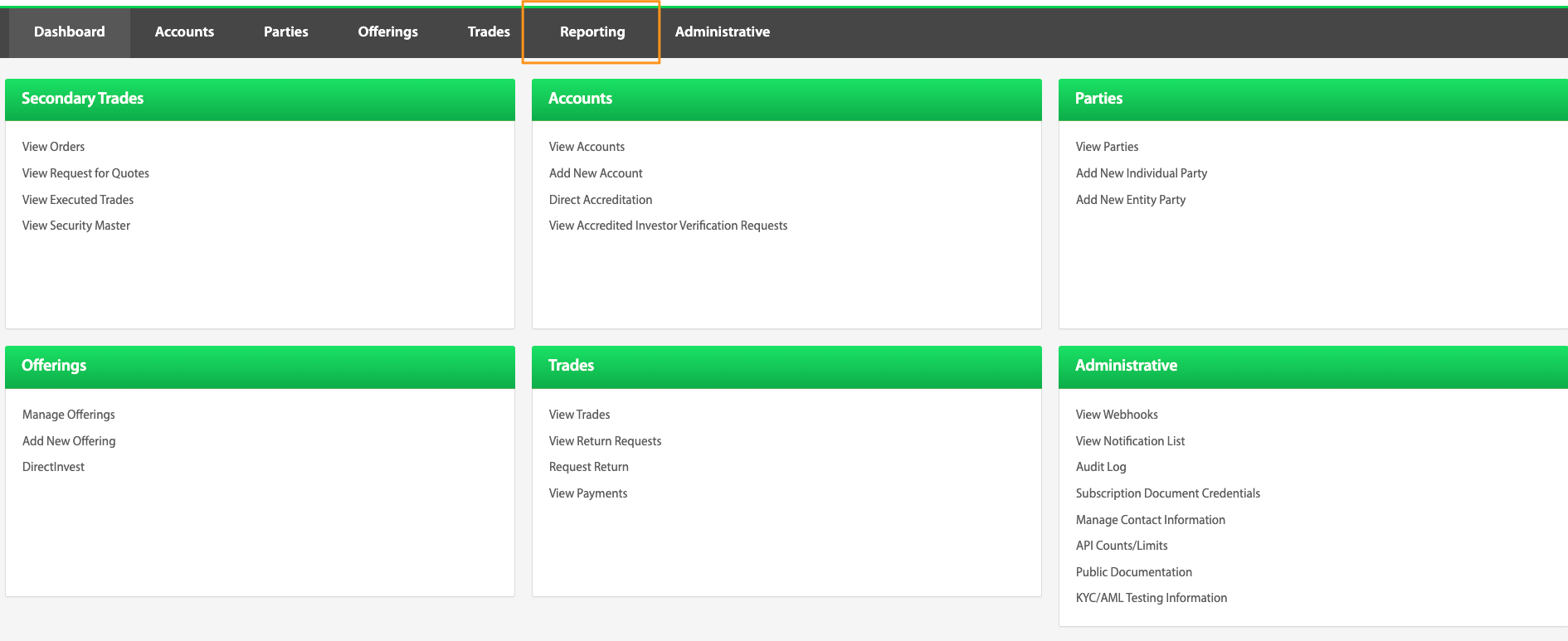
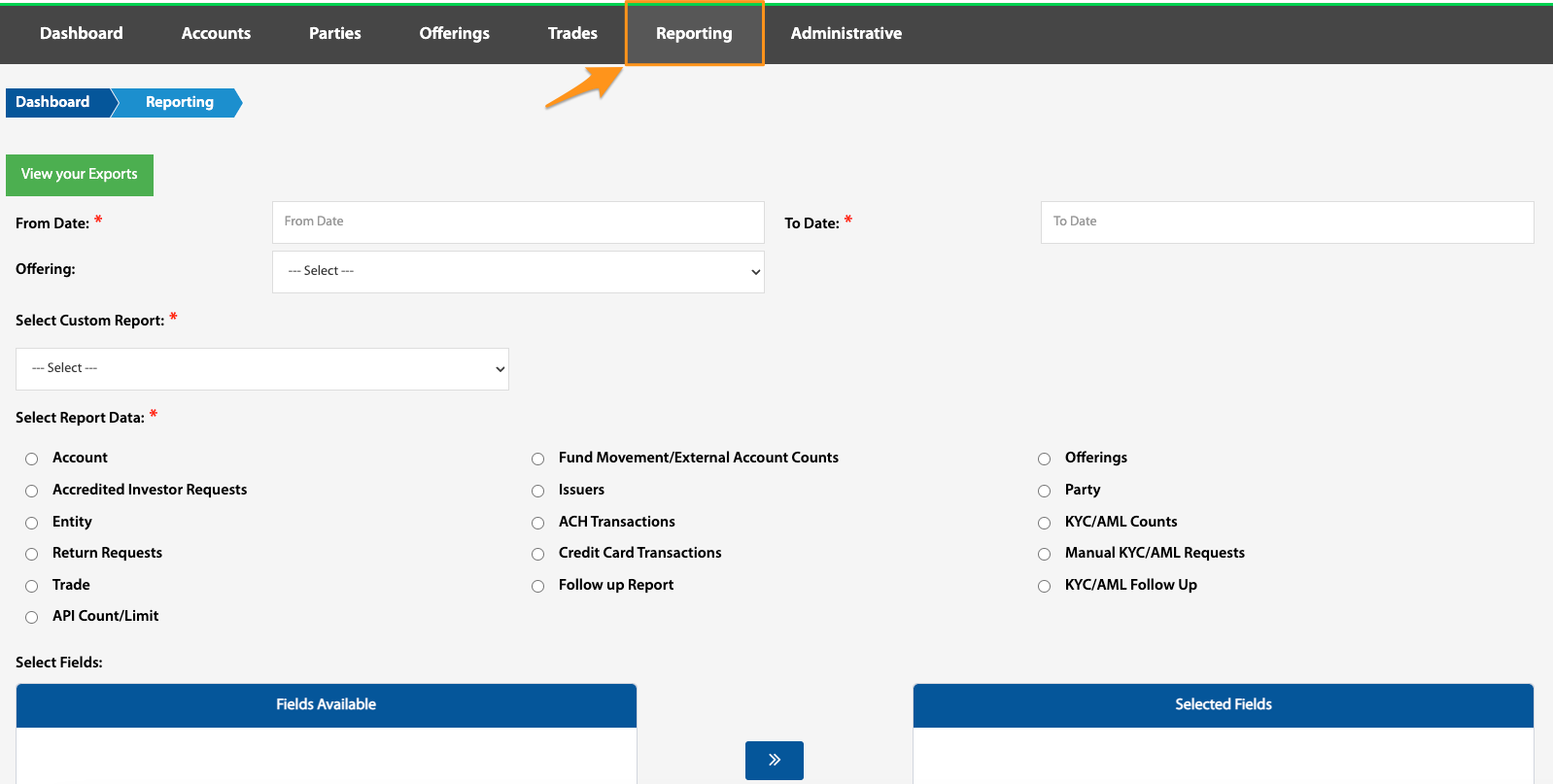
While most TransactAPI landing pages have specific reporting capabilities, the Reporting View is a one-stop location for generating reports, creating customized reports and finding previously exported data.
To generate a custom report, select the category of report that is desired, customize the report by selecting from the Fields Available table, then either generate the report, or save it as a custom report.

The Trade Review page of the TransactAPI admin portal is the best location to view / export multiple reporting categories all in one report (ie trade, party, account, e-sign status, etc). See Trade Review.
View your Exports
Dashboard > Reporting > View your Exports
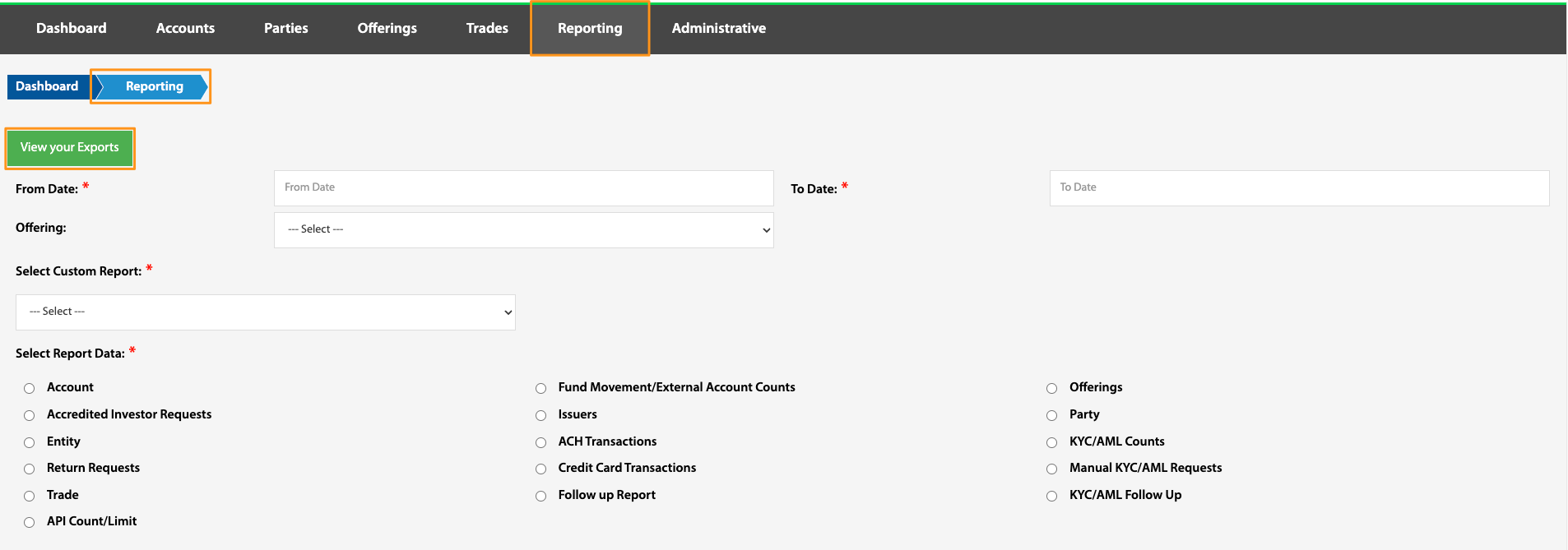
All previous exports will show by navigating to the Exports page by selecting View your Exports. All previously generated reports can be downloaded and viewed here.