View Issuers
Dashboard > Offerings > View Issuers
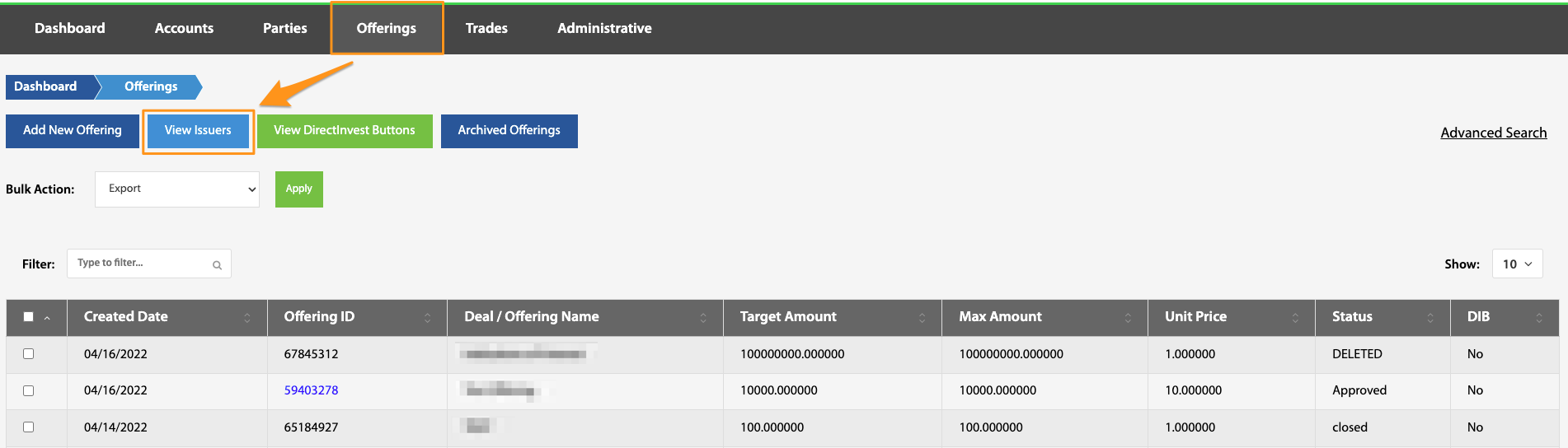
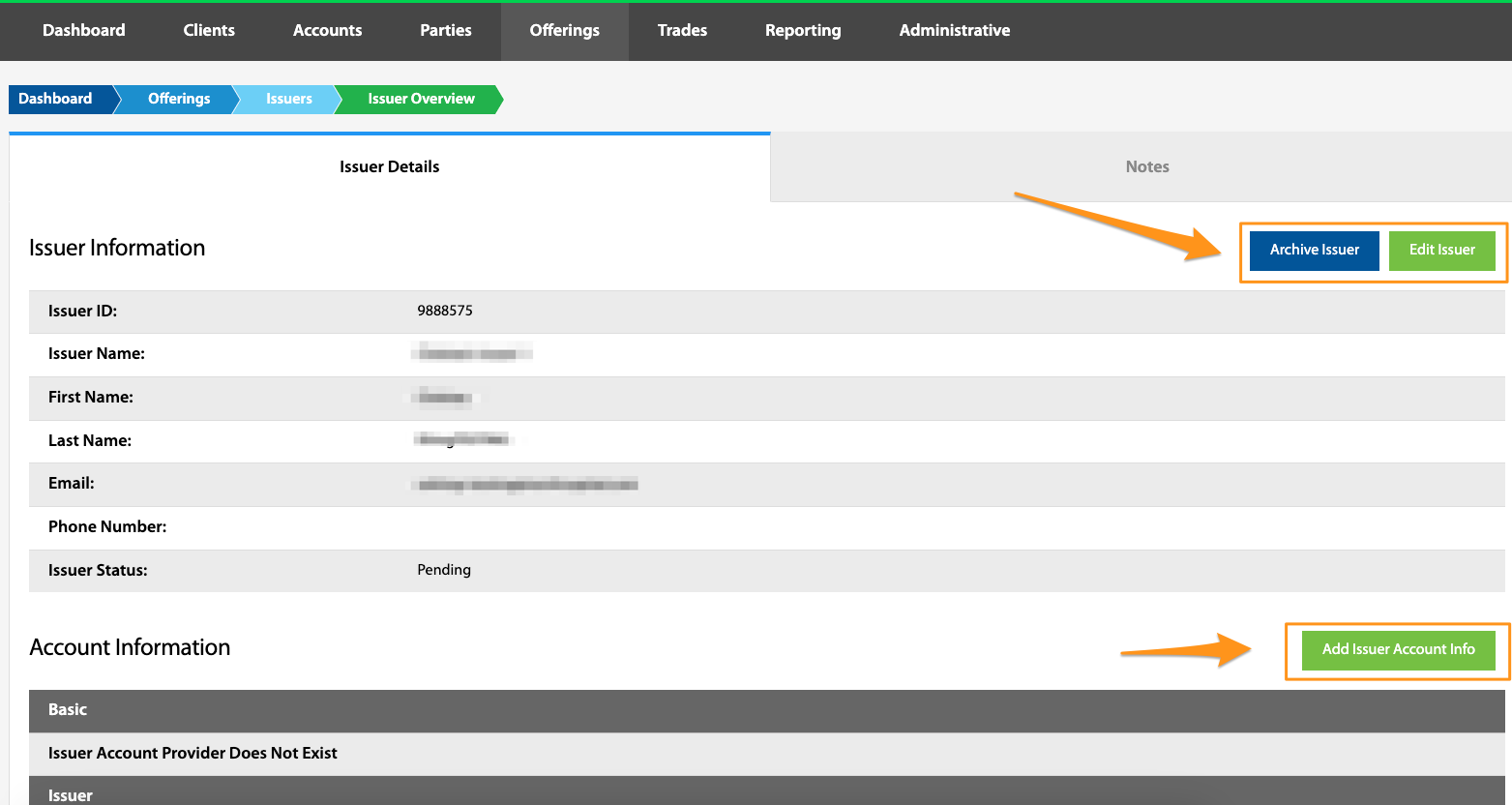
This allows the admin user to view all issuers associated with all offerings. Selecting a specific Issuer ID brings up an overview of the issuer details. From here the issuer can be deleted, issuer information can be edited, or issuer account information can be added.
Add New Issuer
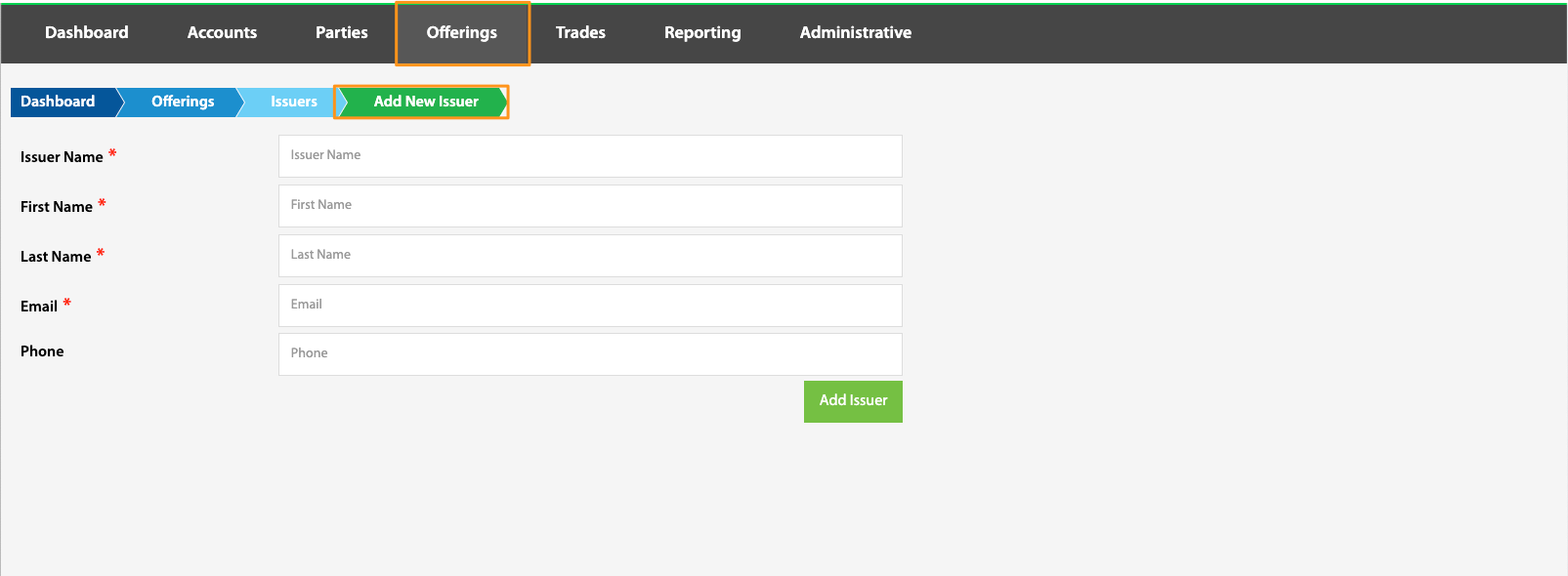
Dashboard > Offerings > View Issuers > Add New Issuer
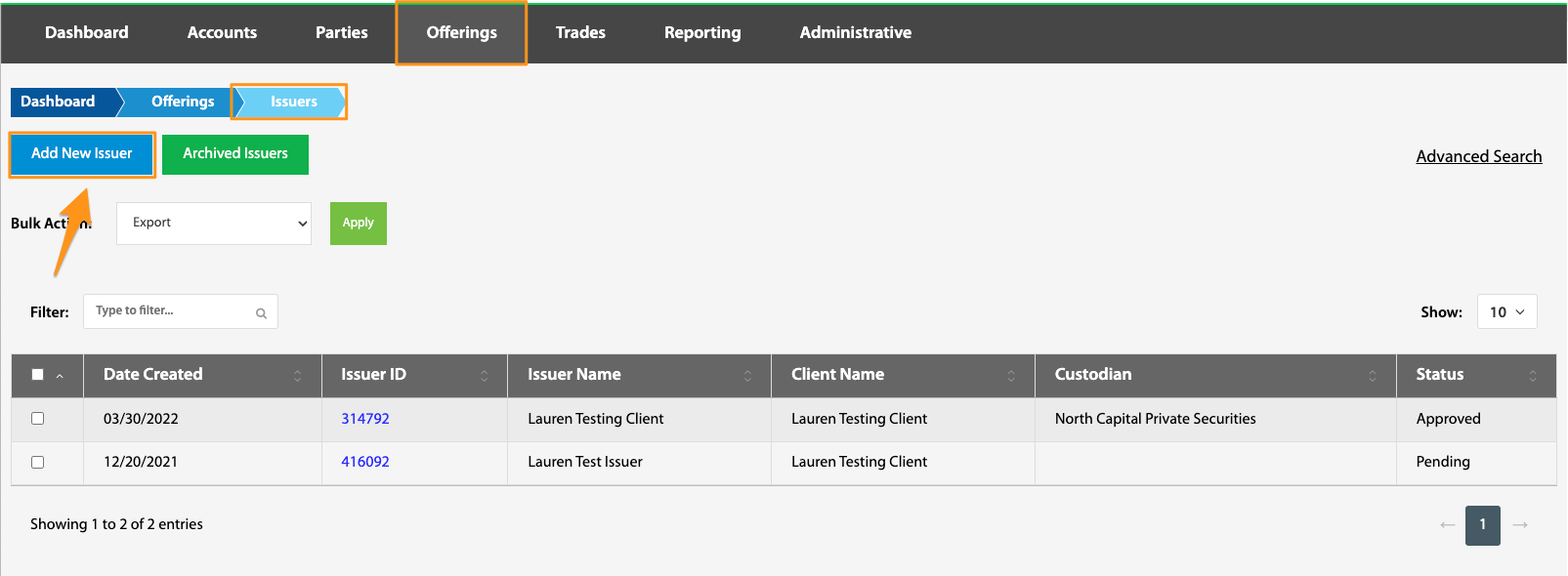
An issuer can be created in the system by navigating to the Add New Issuer page. Please ensure all data is accurate and complete, though issuer data can be edited after the issuer is created.
Archived Issuers
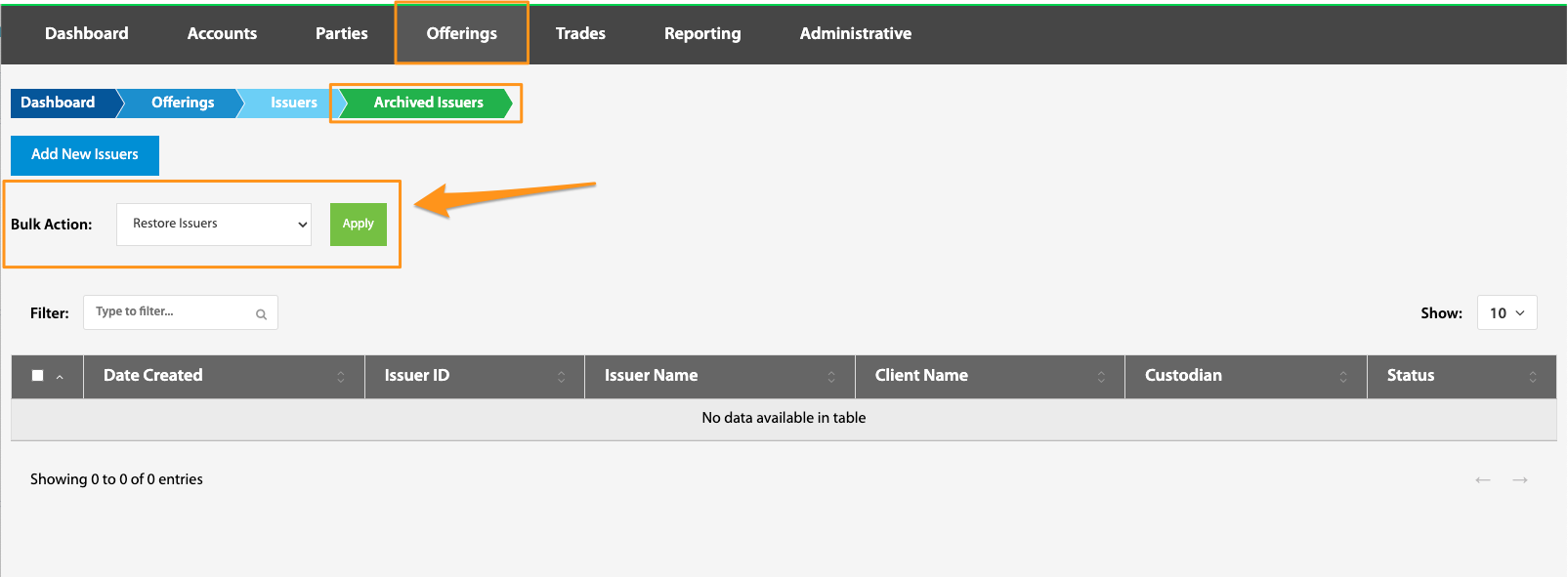
Dashboard > Offerings > View Issuers > Archived Issuers
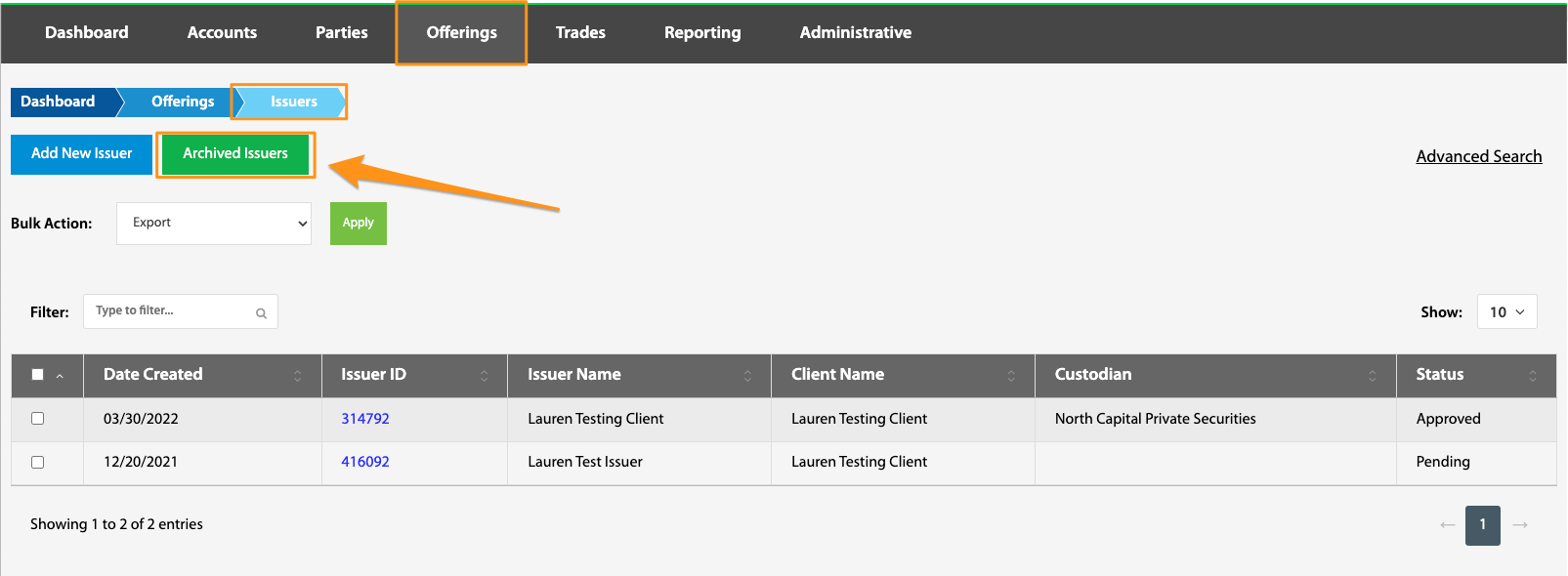
Due to regulations, Issuers cannot be deleted, but can be archived. Issuers can be archived utilizing the Bulk Action feature on this page (see below). Archived Issuers can be viewed or restored via the Archived Issuers page.
Bulk Action
Dashboard > Offerings > View Issuers > Bulk Actions selection
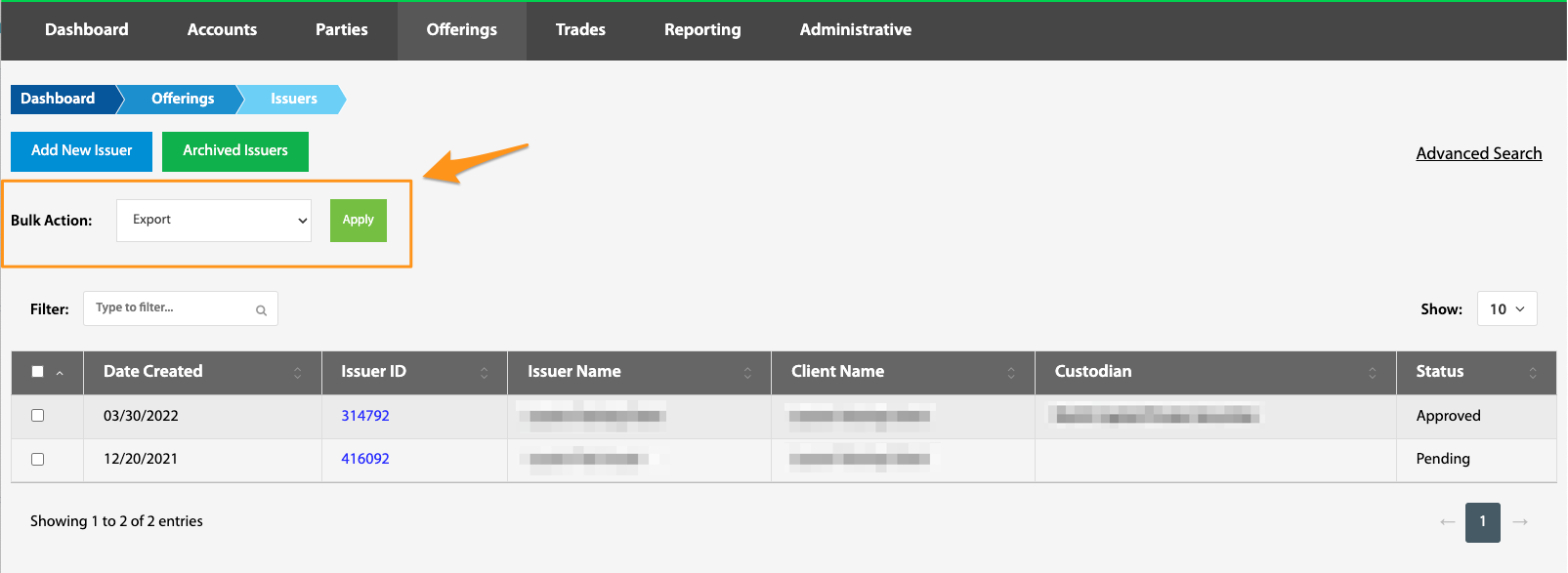
Issuer data can be either exported or archived individually or in bulk. To do this, select the box next to the desired account(s), choose desired action (export or archive) from the dropdown box, and select Apply.
Issuer ID
Dashboard > Offerings > View Issuers > Issuer ID hyperlink
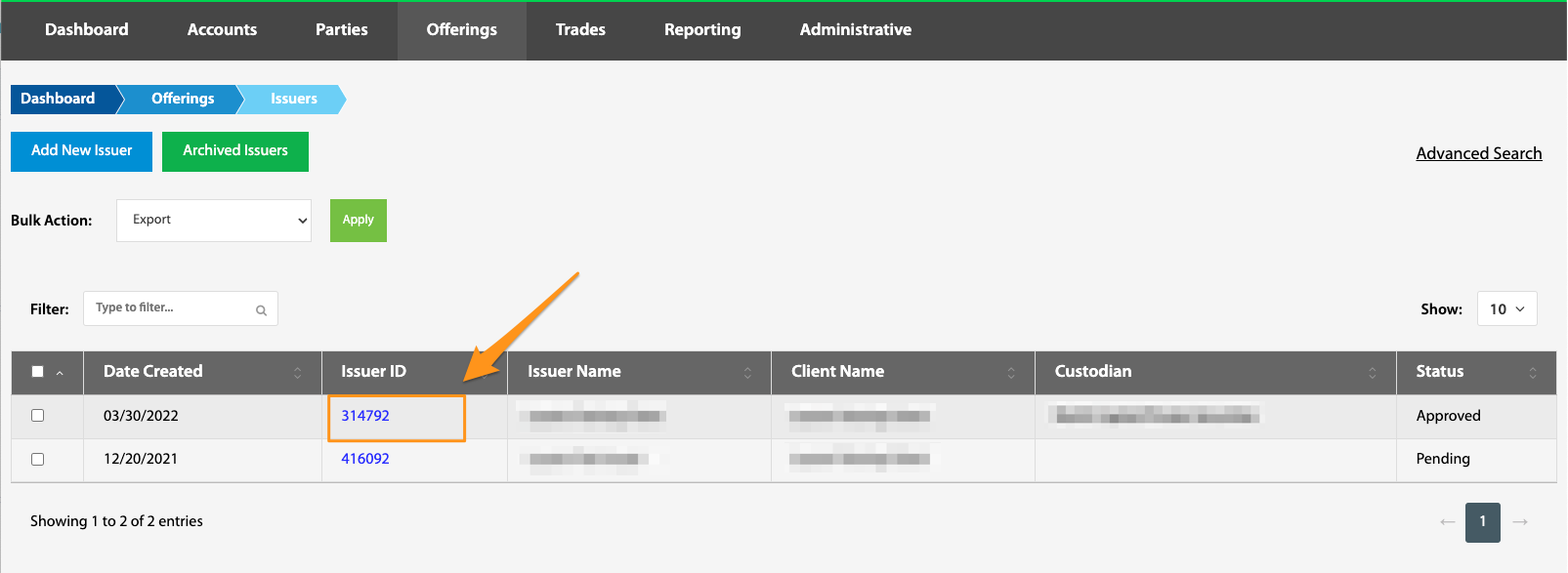
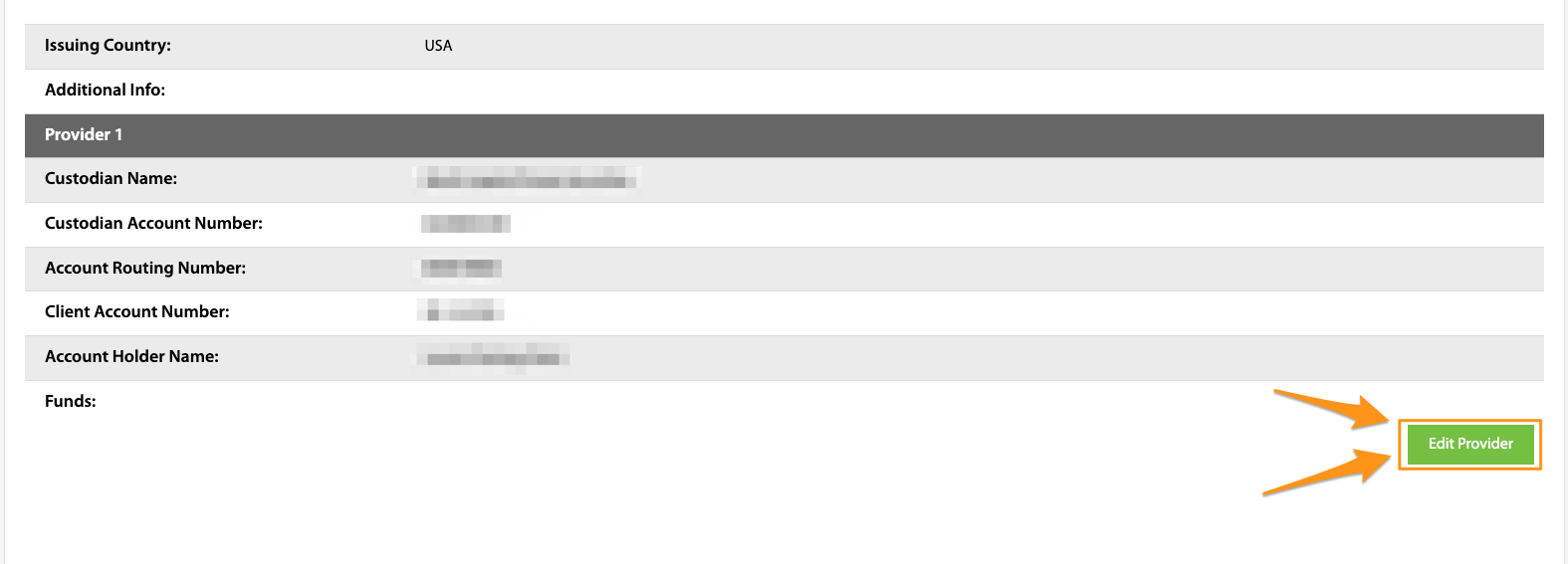
By selecting a specific Issuer ID, the admin user navigates to the Issuer Overview page where issuer data can be manipulated in several ways, including editing and archiving the issuer, editing or deleting issuer account data, as well as editing an issuer's custodian information.