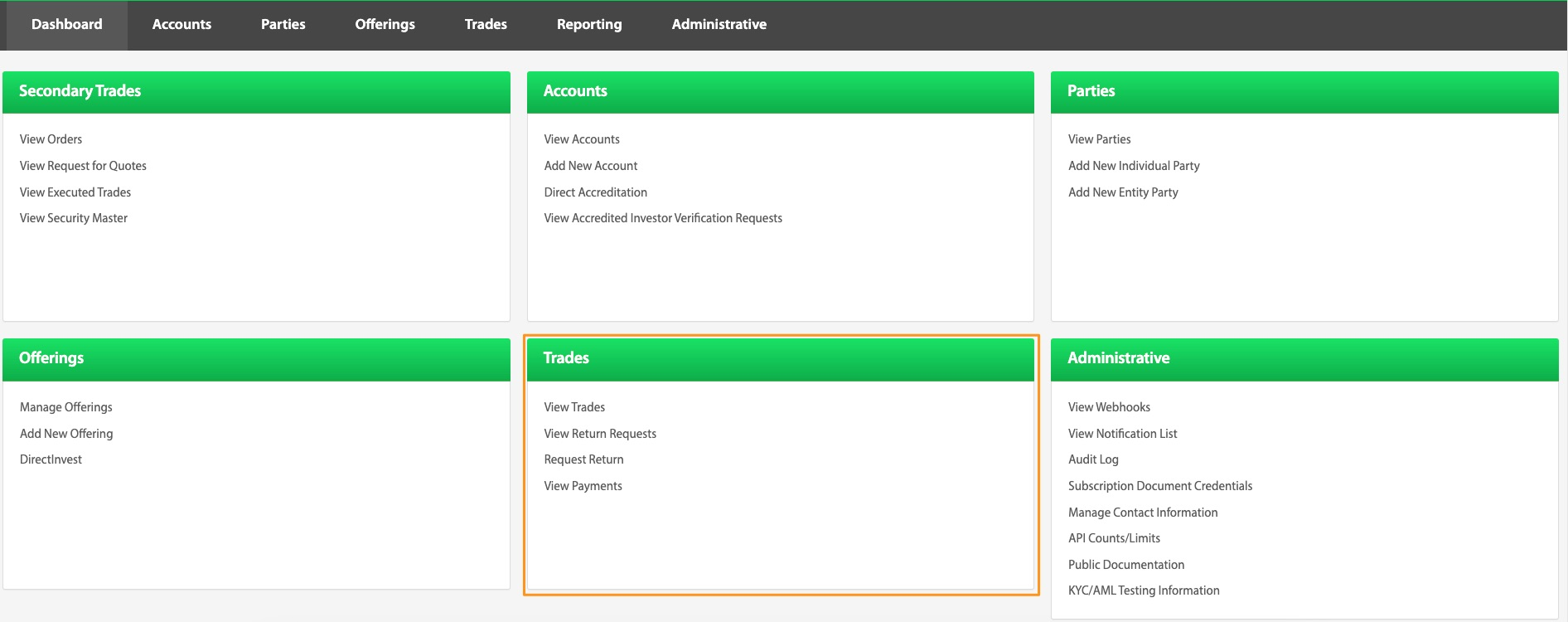
Trades Directory
View Trades
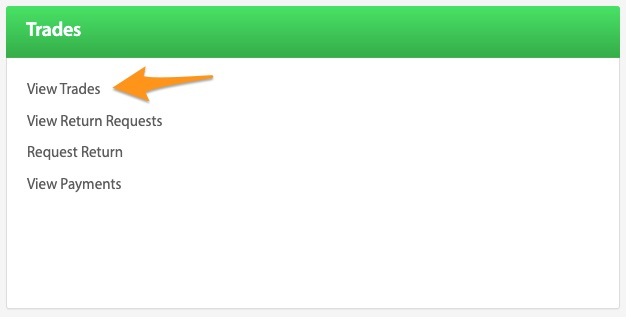
Opens the Trades View.
View Return Requests
Dashboard > View Return Requests
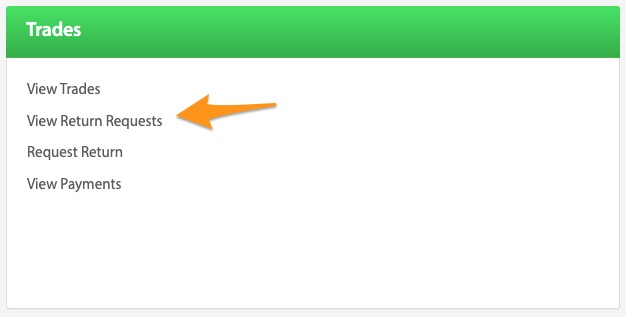
The View Return Requests button is a quick link to an overview of all trades that have requested a return. It can be found from the Dashboard page.
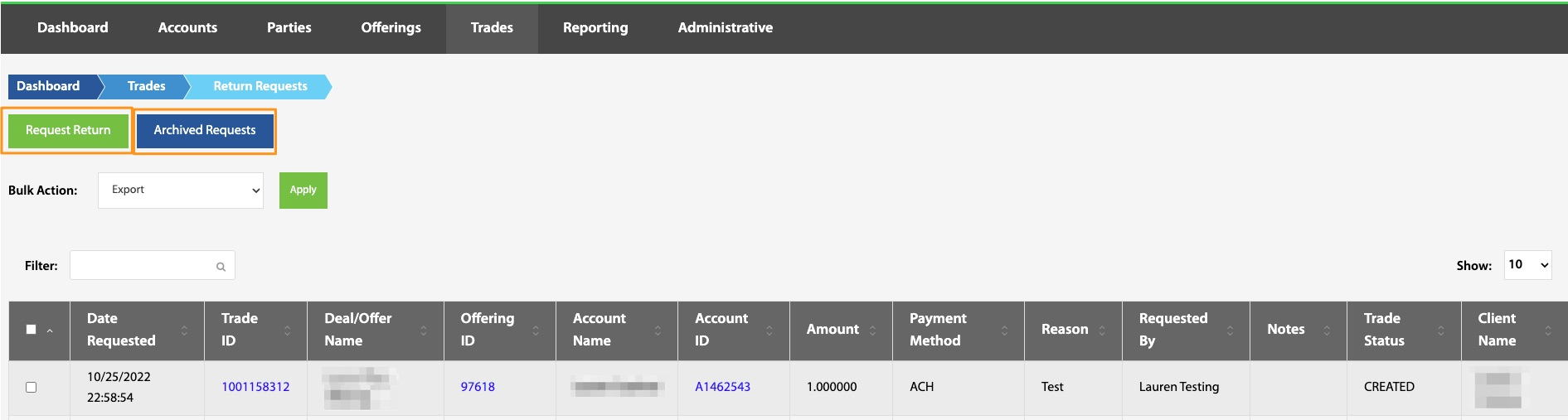
From this page, it is also possible to begin the return request process as well as view all archived return requests.
Troubleshooting Trade Returns
If at any point further assistance is needed, please refer to the Loom videos and knowledge base links at the bottom of this page before contacting techsupport@NorthCapital.com.
Trade Statuses Knowledge Base Links\ What is the difference between canceling and unwinding a trade?
Is there a way to mark a trade as received / funded in the TransactAPI admin panel?
What are the different trade statuses and what do they mean?
What do I need to do to trigger the trade to transition to the SETTLED state?
How does a company go about purchasing their remaining shares?
When does the trade status update to settled?
Request Return
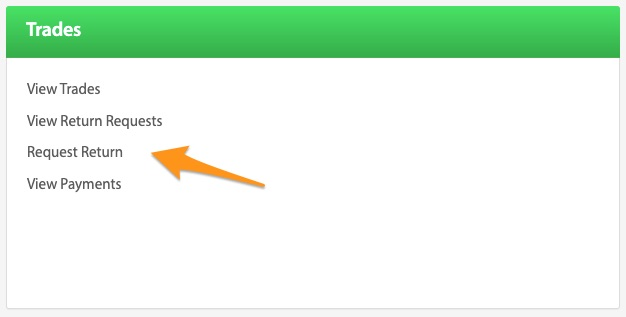
When a situation arises where a return is necessary, it can be manually requested from this link on the dashboard page. Information needed to complete the request include: Client Name, Trade ID number, Name of the person requesting the return, Reason for the request, and any relevant notes. The return process is initiated through this request and once submitted, North Capital will begin to process a refund to the investor. If the payment is in a pending status, the return request will be placed in a queue and the return will be initiated once it has settled into the escrow account. While the return is in process, the trade status will be labeled Unwind Pending. Once the return has been completed, the trade status will be updated to Unwind Settled.
Troubleshooting Trade Return Requests
If at any point further assistance is needed, please refer to the Loom videos and knowledge base links at the bottom of this page before contacting techsupport@NorthCapital.com.
Trade Return Requests Knowledge Base Links
What time does TransactAPI submit and settle credit card and ACH transactions?
View Payments
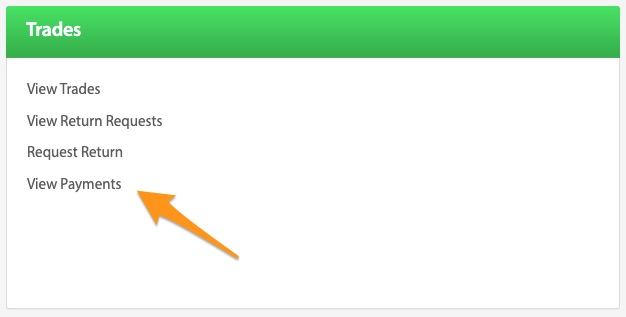
Investment payment information can be found by selecting the View Payments under the Dashboard page. The View Payments screen opens with two important sections. The first section is a search feature that facilitates searching for specific payments. Payments can be searched by many fields including: client name, dates, account or offering IDs, amount, payment status or type, account name, or trade ID.
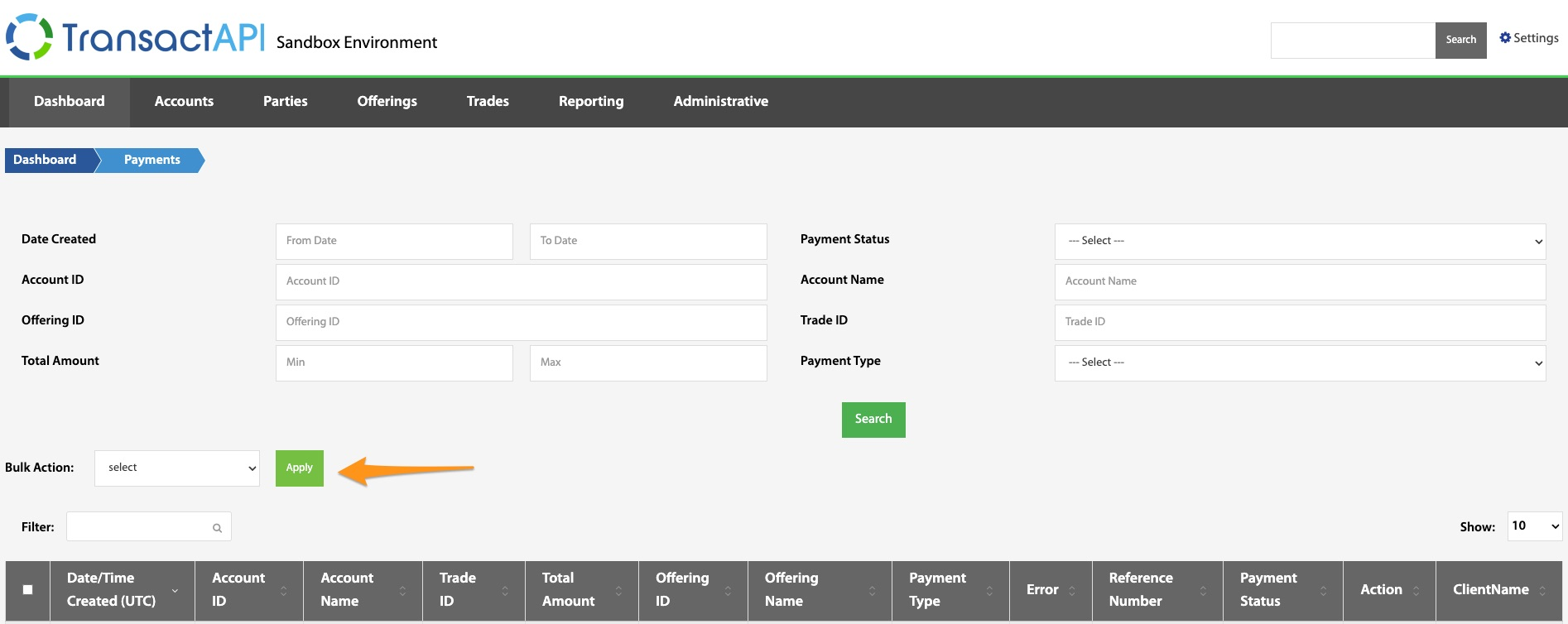
The Bulk Action button that is on the View Payments page allows the admin user to void payments in bulk. This is usually utilized when an offering is canceled and all investor payments need to be voided. To use this feature, select all payments that need to be voided, then select Void from the Bulk Action dropdown menu.
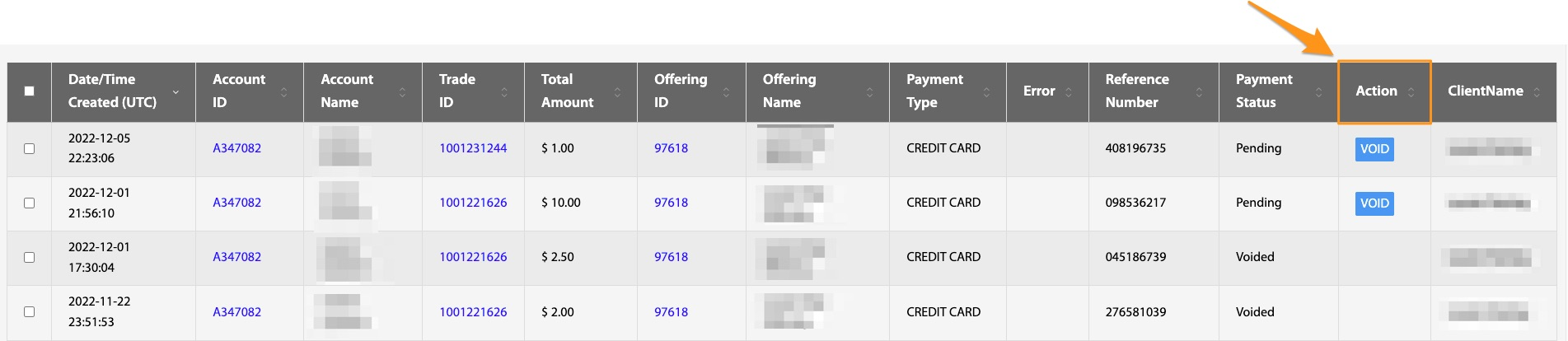
Underneath the Bulk Action is the second section of the payments page. This view shows all payments associated with the client. Individual payments can be voided with the blue VOID button. Payments can be voided between the time they are submitted (for ACH and Credit Card payments) and the time they are batched. After this time period, the payment must be returned.
See Payment Statuses.
Troubleshooting Payments
If at any point further assistance is needed, please refer to the Loom videos and knowledge base links at the bottom of this page before contacting techsupport@NorthCapital.com.
Payment Knowledge Base Links
What time does TransactAPI submit and settle credit card and ACH transactions?