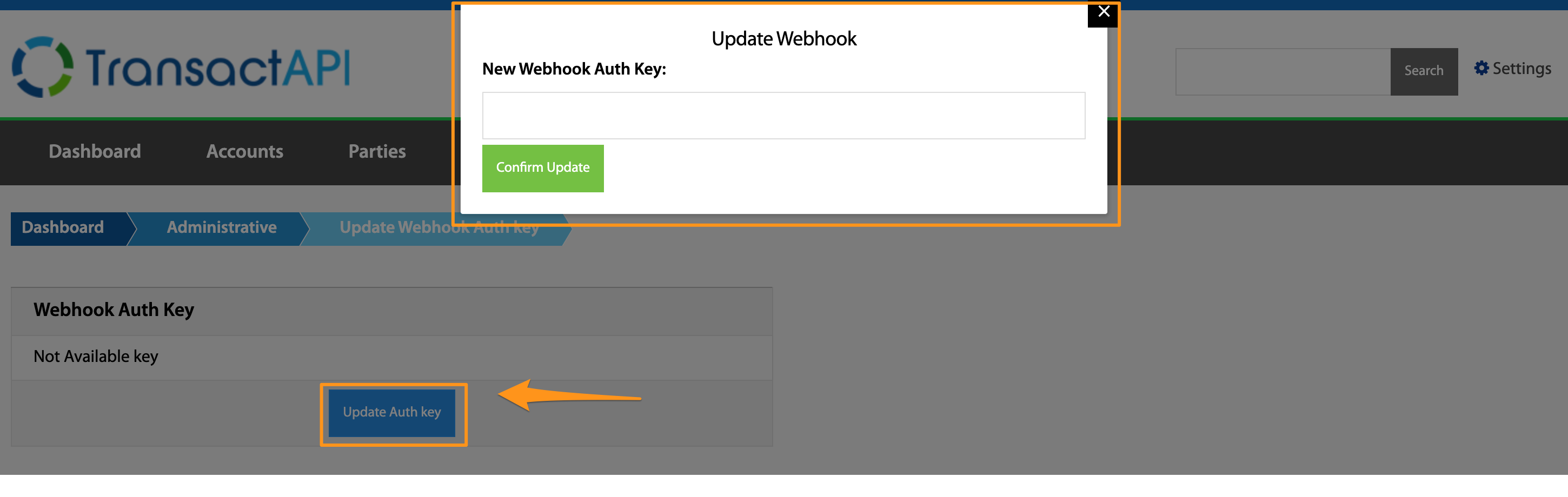
Update Webhook Auth Key
Dashboard > Administrative > Update Webhook Auth Key
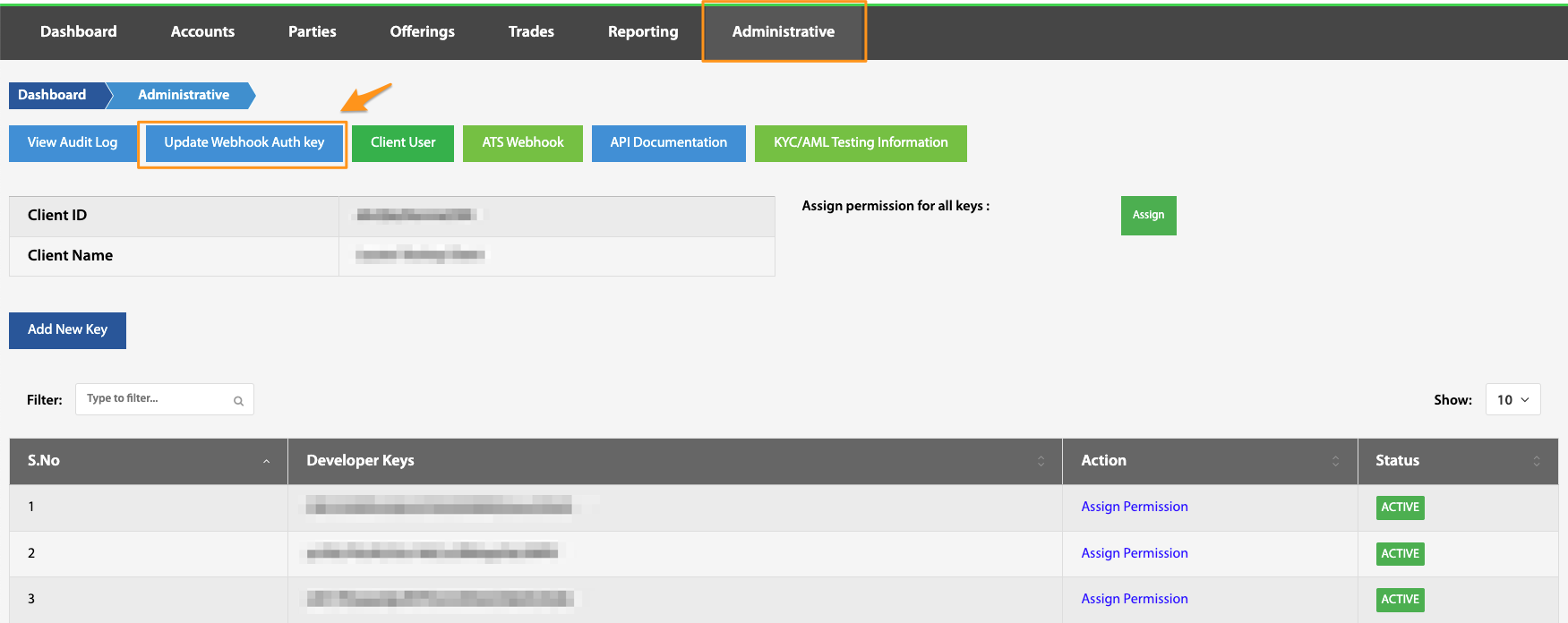
To identify North Capital webhook traffic at a firewall or WAF, use the User-Agent and X-NC-Token headers described under Webhook Identification Tokens. That is the preferred approach and requires no key.
Where an integration requires the payload itself to be encrypted at the application layer, webhook encryption is available through the Administrative view. Further information on this topic can be found in these knowledge articles:
How can I authenticate that a webhook is from the TransactAPI server?
How can I encrypt webhook events?